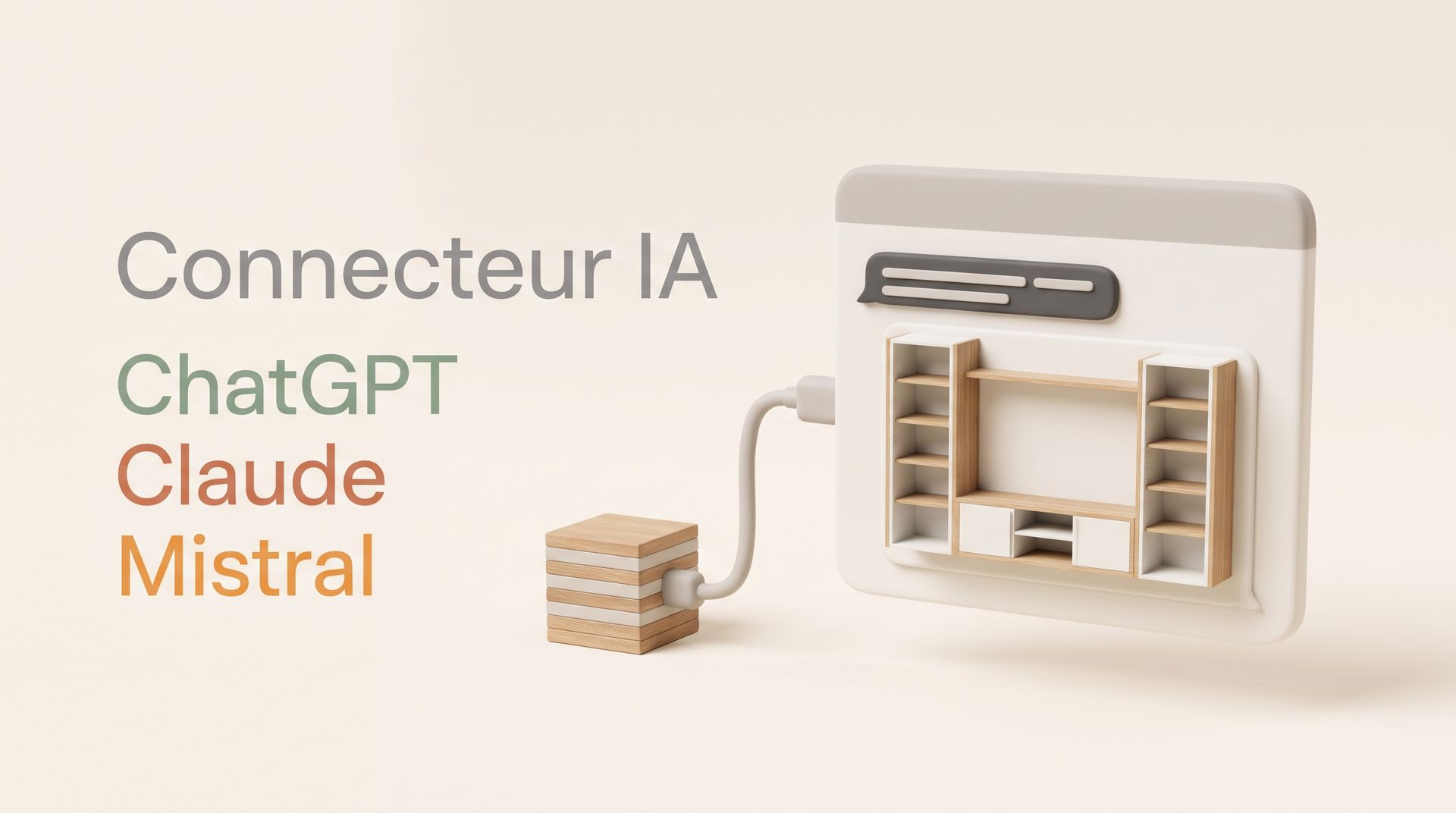
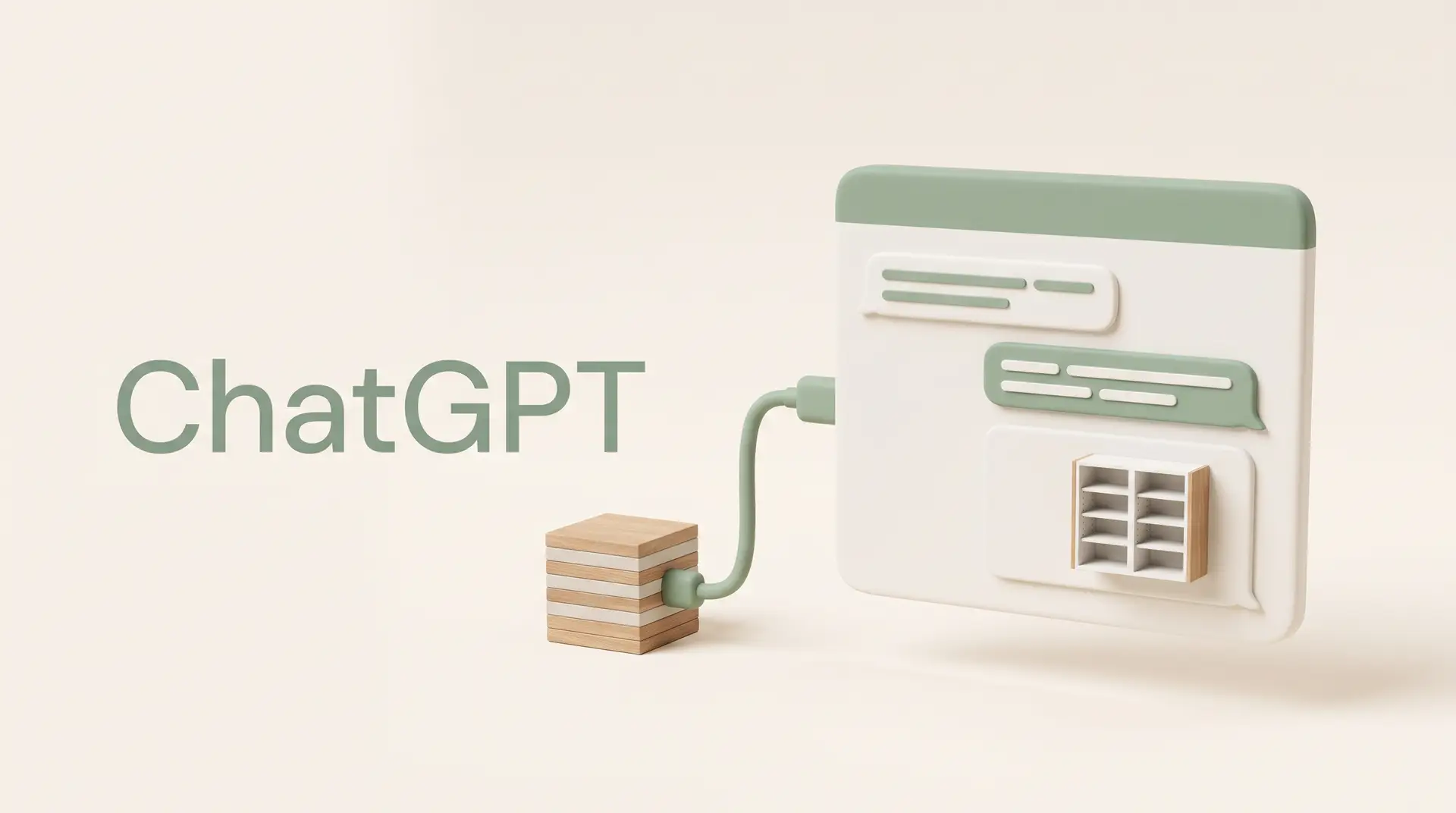
If you already use ChatGPT, Claude or Mistral to think through your projects, you can now give them access to our configurator with the DessineTonMeuble connector. Your assistant then designs the furniture with you, shows it to you in 3D, changes it as the conversation goes on and saves it to your DessineTonMeuble account.
Here is a real conversation with Claude about fitting out a living room wall.
A project that takes shape as you talk
1. The starting point
"I'm fitting out my living room wall: 2.60 m wide and 2.50 m floor to ceiling. I'd like a low TV unit in the middle and storage for my books on each side. Using the DessineTonMeuble connector, put together a first version and show it to me in 3D."
The assistant puts together three units that fill the 2.60 m of wall exactly: a TV unit between two bookcases, with adjustable shelves and closed storage at the bottom. It picks a colour from our catalogue and shows the whole thing in 3D in the conversation.
2. Talking it over
As you would with a cabinetmaker, you can hesitate, change your mind and ask what it thinks.
"I like the idea, but the bookcases feel a bit bulky for the room. What do you think about making them lower, around 1.80 m, with a shelf joining the two above the TV? And make the doors white, with the light wood only on the carcasses."
The assistant agrees and makes the changes. It also points out something we hadn't noticed: at 1.30 m long, the joining shelf is fine for frames or plants, but not for a row of heavy books.
3. The finishing touches
"Good point about the shelf, I'll only put frames on it. For the handles, what would you suggest that's more discreet? Pick the ones you think work best and apply them, then save the project to my account."
After going through the available handles, the assistant goes for push-to-open, with no visible handle, to keep the fronts smooth. It mentions two discreet knobs in case you'd rather have something to grip, then saves the project to the account.
4. A few days later
In a new conversation, we ask the assistant what's on the account. It finds the project and offers to reopen it so we can carry on. The saved project stays as it is: the assistant works on a copy and only saves changes if you ask it to.
The project then shows up in your DessineTonMeuble account, where you can order it.
What you can ask it
The assistant can combine several units for a whole wall or a corner layout, add a shelf between two units, and set dimensions, columns, shelves, drawers or doors to the centimetre. It knows the colours and handles in our catalogue and can help you choose. It can also reopen a project already saved to your account so you can rework it, and explain why it made a particular choice.
The connector covers custom storage furniture (bookcases, wardrobes, sideboards, TV units…), furniture for sloped ceilings and staircases. Dimensions and materials follow the same manufacturing constraints as in our configurator.
Installing the connector
All you need is a DessineTonMeuble account, which you can create during setup. We have a guide for each assistant:
Google Gemini doesn't let you add an external connector for now: it only offers Google's own integrations and those of a few large partners.
Which plan and which model should you choose?
A piece of furniture often takes several rounds of back and forth, and each one puts a heavy load on the assistant. Free plans are enough to try out the connector, but they are often too limited for a real project: the models on offer are less capable, and credits run out fast in a conversation like this one.
For a real project, we recommend a paid plan and the most advanced model on your platform. Lightweight models ("mini", "flash", "tiny"…) make more mistakes and need more attempts before they get to a coherent piece of furniture.